

Website UX That Converts: A Practical Checklist for Small Businesses
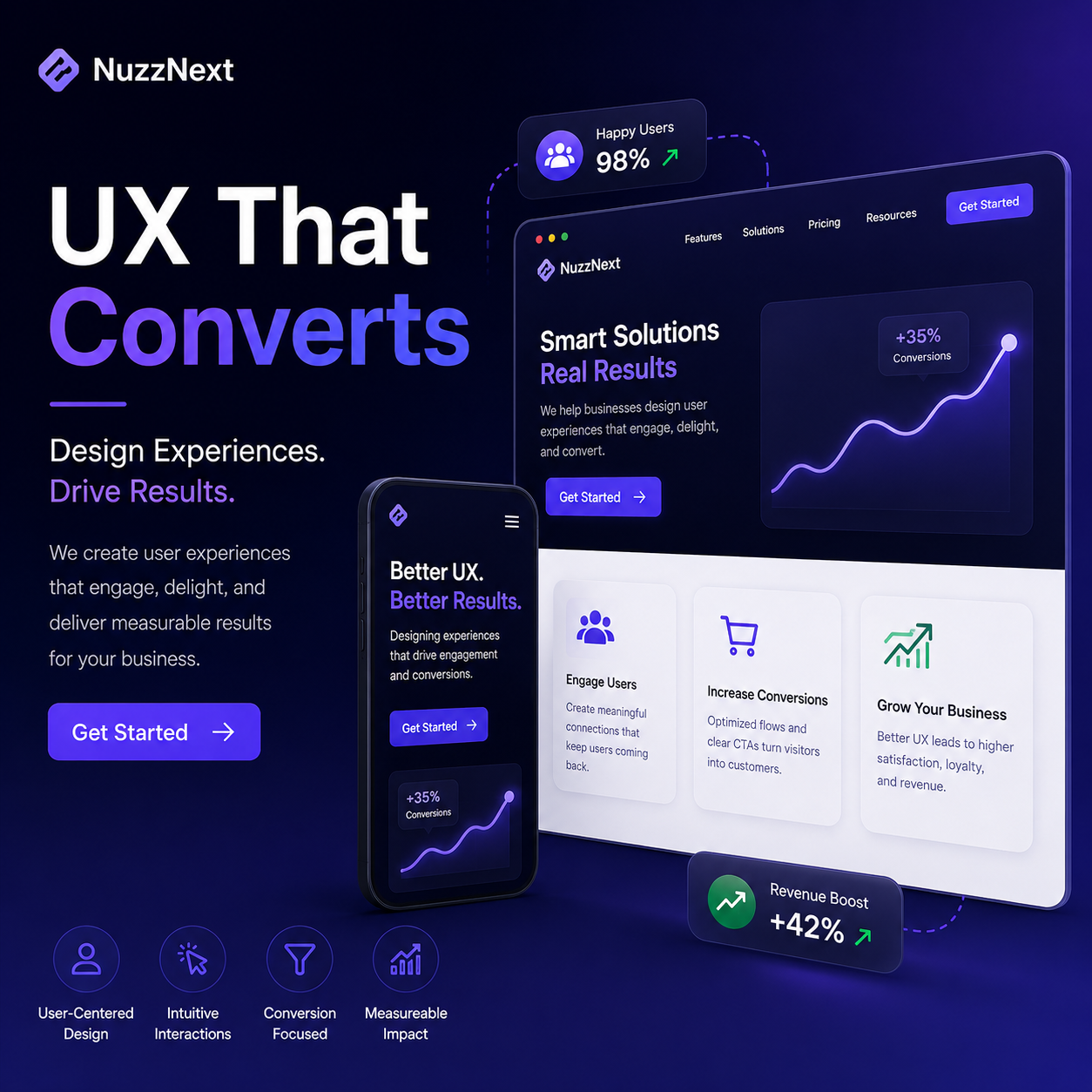
UX is not “making it pretty.” UX is reducing doubt.
For small businesses, the website is often the first salesperson a customer meets. The goal isn’t to impress—it’s to help visitors answer four questions quickly: Can you help me? Do you have proof? How do I start? What will it cost and how fast? When UX removes friction, inquiries go up.
This guide provides a conversion-focused UX checklist you can use even if you don’t have a dedicated UX team.
1) Make the value proposition unmistakable (above the fold)
Above the fold means: what someone sees before scrolling. If they can’t interpret your offer instantly, bounce rates rise and leads stall.
- One clear headline that states who you help and what outcome you deliver.
- One short supporting line (two sentences max) that explains how you do it.
- Primary CTA visible and unambiguous: “Get a free quote,” “Book a consultation,” or “Request a demo.”
- Quick proof near the headline: rating count, years of experience, or “served 200+ clients.”
If your homepage currently reads like a company brochure, rewrite it as a decision page.
2) Use hierarchy that matches how people scan
Users scan in patterns (often Z or F-shaped). That means your page should visually guide attention from the headline to the next relevant section.
- Keep paragraphs short (2–4 lines).
- Use consistent heading sizes and spacing.
- Highlight key phrases in-line (sparingly) instead of adding large blocks of text.
- Add “mini answers” under each heading so users don’t have to read everything to get value.
3) Replace generic claims with evidence
Many small business websites say “We are the best” or “We offer quality services.” Visitors won’t believe that until they see specific proof.
Evidence can include:
- Case studies with before/after results
- Client logos (if allowed)
- Testimonials that mention a problem and outcome
- Process photos/screenshots that show what you actually do
- Project metrics: traffic increase, conversion lift, delivery timelines
Make proof easy to find: put it beside the CTA, not only on a separate “reviews” page.
4) Design navigation around intent
Navigation should reflect visitor intent, not internal department labels. For service businesses, good navigation is usually:
- Services (by outcome)
- Industries or “who we help”
- Pricing or packages
- Work/portfolio
- FAQ
- Contact
If your navigation contains unclear categories like “Solutions” or “Resources,” visitors must guess where to click. Remove guesswork.
5) Make forms frictionless and trustworthy
Forms are not inherently bad. The issue is when they look risky or time-consuming.
Conversion-friendly form UX includes:
- Fewer fields (name, phone/email, requirement)
- Clear labels (avoid ambiguous placeholders)
- Transparent expectations: “We respond within 24 hours.”
- Privacy assurance near the form: “Your details are safe.”
- Inline validation for incorrect entries
Also consider offering a secondary route: “Call now” for visitors who want instant answers.
6) Ensure pages load fast and stay stable
UX isn’t only layout—it’s performance. Slow pages kill conversions, especially on mobile. Stable layouts reduce frustration.
- Compress images and use modern formats when possible.
- Avoid heavy sliders above the fold.
- Set image dimensions to prevent layout shift.
- Limit external scripts that don’t directly support conversion.
7) Write microcopy that prevents drop-off
Microcopy is the small text near buttons, errors, and forms. It reduces anxiety.
Examples:
- CTA button: “Request a quote” instead of “Submit.”
- Form note: “No spam. Just a quote and next steps.”
- Error message: “Please enter a valid phone number (10 digits).”
8) Add FAQs that mirror real objections
FAQs are conversion accelerators when they answer objections. Instead of generic questions, write FAQs like:
- How long does the project take?
- Do you offer packages or custom quotes?
- What happens after I submit the form?
- Do you support revisions?
- How do you handle communication and approvals?
9) Create a clear journey: from interest to decision
Visitors shouldn’t feel lost. A conversion journey usually looks like:
- Landing section (what you do + CTA)
- Benefits (why it matters)
- Proof (case studies/testimonials)
- Process (how it works)
- Pricing/packaging (how much)
- FAQ (objections)
- Final CTA (next step)
A converting website doesn’t persuade with words—it reassures with structure, clarity, and proof.
Small-business UX quick scorecard
- Can a visitor understand your offer in 5 seconds?
- Do you show proof next to each CTA?
- Are your forms easy and low-risk?
- Does mobile look and work smoothly?
- Do you answer “how much, how long, and what next”?